


At Teal Partners, we specialize in complex software projects. Database performance is crucial in this regard. Developer Steve Lievens explains why it is so important — and how you, as a developer, should consider it from day one.
In many software projects, the focus during the development phase is on functionality, design, and user-friendliness. If a feature works on the developer's laptop and performs well in the test environment, then it's ready, right? Not quite.
On the developer's machine, the application may run smoothly because their local database contains little data. It performs well in the test environment because only a few users are testing simultaneously. It's only in production that it becomes apparent whether an app is inefficient or slow. At that point, it is often difficult to resolve.
A good index is worth its weight in gold.
It is easier to develop with performance in mind from the start. This becomes even more important for projects that scale quickly or are rolled out internationally. Take the Buddy payroll solution for SD Worx: it is being rolled out in various European countries. Germany, Luxembourg, Belgium, and Finland are already active. The number of users is continuously increasing at a rapid pace. Performance is a cornerstone of that success.
During performance audits, we often encounter the same issues: unnecessary joins, inefficient filters, queries executed thousands of times per minute, or systems that freeze due to deadlocks. These are problems you can avoid.
In modern applications, much is abstracted away. Developers work with tools like NHibernate or Entity Framework, which automatically map objects to database tables. Convenient, but this obscures what is really happening on the server.
You write code, get a nice person-object back, and everything seems efficient. But do you also see which SQL queries are being executed? How much data is being retrieved? Is it done efficiently? Often not. And that's how invisible problems creep in: the classic N+1 query problem, for example, where a separate query is executed for each linked row, while a single join query would be much more efficient.
Don't let your tooling blind you. When you write software, you need to understand what happens with your data, at every level.
Whether data is retrieved efficiently depends greatly on how you index. Everyone has heard of indexes, but few programmers truly understand the difference between clustered and non-clustered indexes. We see this time and again, even during technical interviews.
Imagine a database as a book:

The larger your database, the more important this difference becomes. Poor index choices lead to slow queries, unnecessary table scans, and user frustrations.
In many databases, the clustered index is by default placed on the primary key. However, this is not mandatory, and sometimes it's even a bad idea. For example, when you use GUIDs (UniqueIdentifiers) as the primary key. They are convenient: you can generate them in the application, joins are hard to mess up, and you can never guess which ID comes next or preceded it.
But there is also a downside: GUIDs are randomly structured. They cause new records to not neatly appear at the bottom of your table but to be inserted randomly among existing rows. As a result, inserts become slower because existing rows that are alphabetically after the new row need to be shifted to make room, and your performance decreases.
You can partially solve that problem by using NEWSEQUENTIALID(). It generates sequential GUIDs instead of random ones.
But the most robust approach? Make your primary key non-clustered, and add a separate identity column on which you place the clustered index. This way, you combine the best of both worlds: secure IDs and fast access to the data.
You have a slow query, but where exactly is the problem? You can see this in the query plan. This is the roadmap that the database follows to execute your query. If you can read such a plan, you can immediately see where things go wrong. How you open it depends on your database and tool.
You read a query plan from right to left. The steps on the far right show where the data comes from (such as a table or index), and on the left, you see how the database processes that data.
Also, pay attention to the arrows between the steps: the thicker the arrow, the more rows are passing through that step. A thick arrow in an unexpected place? That's often a warning that too much data is flowing through the query. It's best to check if your joins or filters are efficient.
If your query combines multiple tables, the database automatically chooses a join algorithm.
If you see a join that doesn't make sense for your data volume or filters, you know: we might be able to optimize here.
This is the most direct signal in a query plan about how efficient your query is. Rule of thumb? Seek is good, scan is okay, but table scan should be avoided.

Many developers are not aware, but every modern database offers tools to analyze your queries. These are perfect for detecting regressions or unexpected performance issues.
Query Plan analyzes how the database engine executes a query. You can see exactly which queries are slow, which consume a lot of resources, or which indexes are redundant.
Query Store keeps a history of your queries, allowing you to see (1) which queries consume the most resources, (2) which have become slower since a change, and (3) when a query suddenly uses a different query plan.
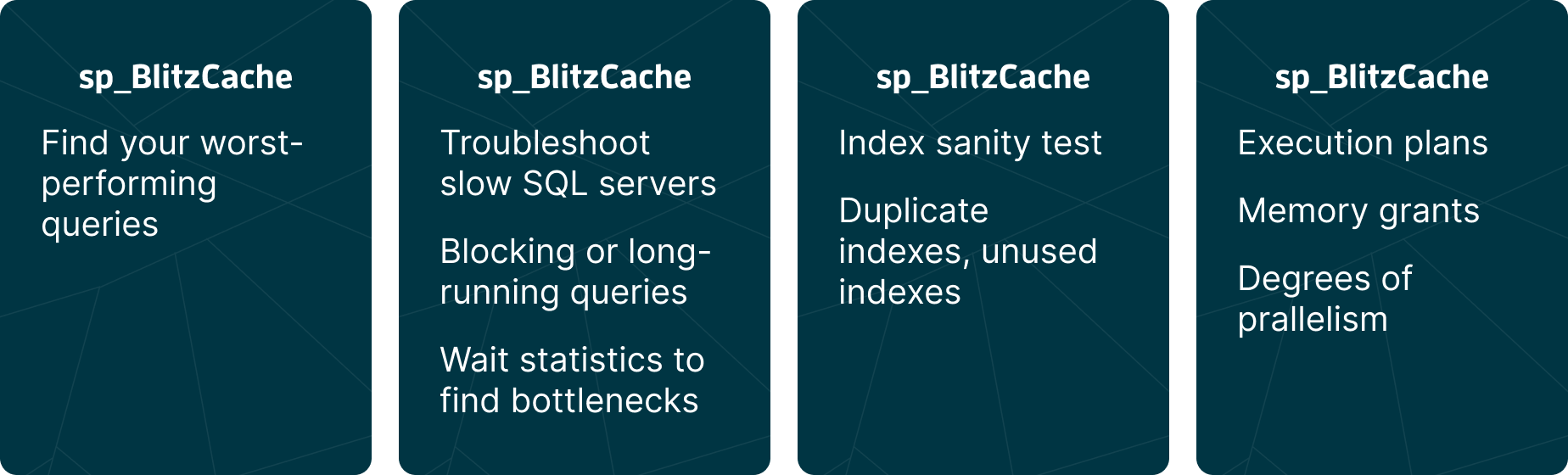
Want even more? The First Responder Kit by Brent Ozar is a free toolkit with scripts. They provide you with insights into slow queries, redundant indexes, incorrect memory usage, and more at a glance.
Sometimes you not only notice delays, but the entire system blocks. Users can no longer save data, transactions hang. Then there is a good chance that a locking problem is occurring.
When you modify a row in a database, it is temporarily locked to prevent concurrent changes. This is normal behavior. However, if you try to modify thousands of rows at once, the database may decide to replace all those individual locks with a larger one. This process is called lock escalation.
Lock escalation occurs in steps: first, an individual row is locked, known as a row lock. If there are too many of these, the database switches to a page lock, which locks an entire block of rows. In the extreme case, a table lock follows, where the entire table is locked.
With a table lock, other users or processes cannot perform operations on that table. This can slow down or block the entire application.
With every change in the database, the engine places a lock on the involved data to prevent conflicting operations from occurring simultaneously. Usually, this works fine. But sometimes processes block each other.
A mutual exclusive lock (abbreviated: mutex) means that only one process can access a specific piece of data at a time. Anyone who wants to do something with that data simultaneously must wait. This prevents data from being overwritten or becoming corrupt.
But mutex locks can also get stuck. This happens in a deadlock: two processes hold each other in a grip because each is waiting for a lock that the other holds. The database resolves this by terminating one of the two transactions. This is called the deadlock victim.
By default, the engine chooses the transaction that is the least costly to roll back — for example, because that transaction has just started or has locked only a small amount of data.
If you frequently encounter deadlocks, it's best to review your transaction structure or isolation levels. Often, it helps to always lock in the same order or to hold locks for a shorter duration.

Our recommendation: have someone from your team review the top 10 worst-performing queries weekly. Use tools like the Query Store or sp_BlitzCache to automatically detect the heaviest queries from the past week. Are there too many indexes? Or too few? Are there performance regressions? Where can we improve?
It only takes you an hour, but it often yields significant benefits.
Performance is not a secondary requirement; it is a core component of good software. If you want to write future-proof software, then performance is the responsibility of every team member — not just the DBA.
In part 2, Steve delves deeper into the issue. Would you like to exchange thoughts with Steve? Send him a message at steve@tealpartners.com.


